Android TV and Smart TV guide

Eleph TV Downloader Code for Android TV & Smart TV

If you want to install Eleph TV on a TV screen, the fastest route is usually the Downloader app. This guide explains where the Eleph TV Downloader code fits, when to use a direct APK link instead, and what to do if your Smart TV is not Android-based.

Eleph TV Download Code: What to Use First

For most Android-based TVs, start with the Downloader app and enter the Eleph TV download code. This is the clearest path for users searching for Eleph TV APK download for Android TV or Eleph TV for Smart TV because it avoids typing a long APK URL with a remote. If your device blocks codes or opens the wrong page, use the direct APK link from this site or transfer the file with USB.

Downloader Code
2156222
Best Devices
Android TV, Google TV, Firestick, TV Box
Not For
iPhone, Roku TV, most VIDAA-only TVs
Install Time
About 3-6 minutes

Install APK files only when you trust the source. Android and Fire TV may ask you to allow unknown app installs before the Eleph TV APK can be installed.

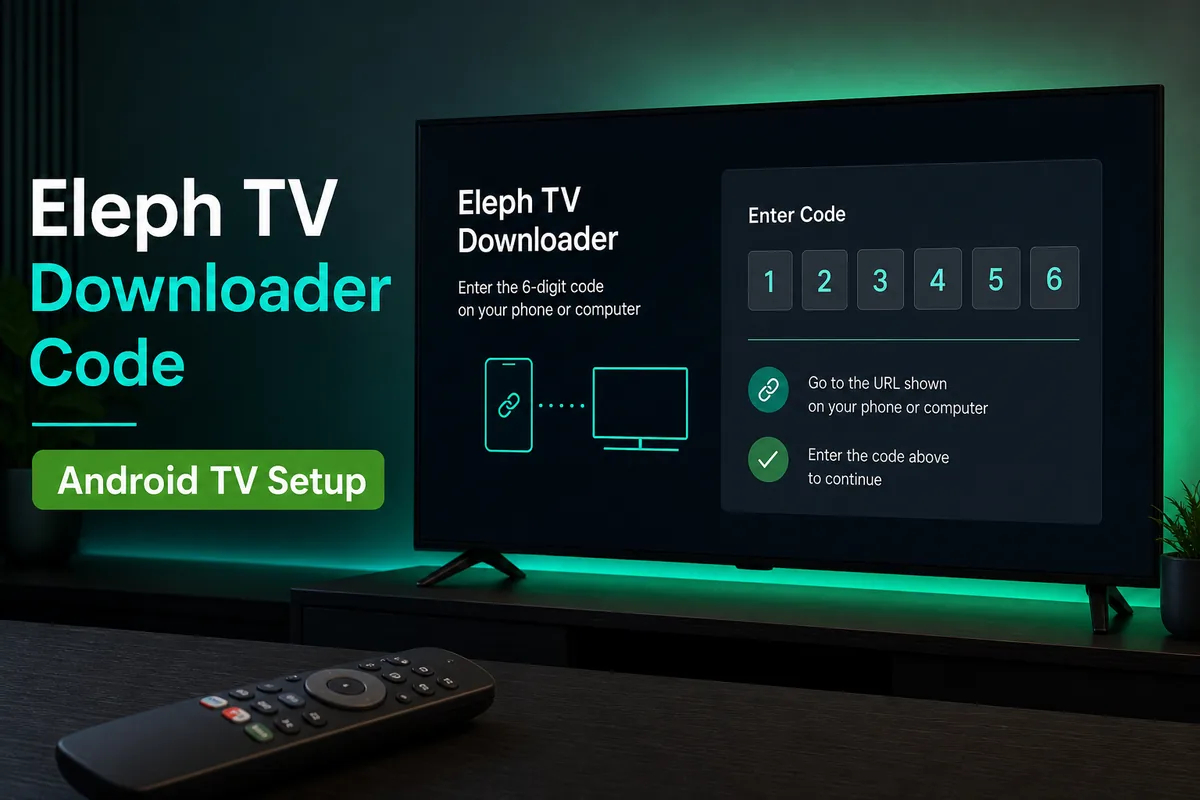
Eleph TV Downloader code setup screen on Android TV with a remote control
The Eleph TV Downloader code is most useful on TV devices where typing a long APK URL with a remote is slow.

How to Install Eleph TV with Downloader Code

These steps apply to Android TV, Google TV, Android TV Box and Firestick-style devices. Menu names can vary by brand, but the flow is the same: install Downloader, allow it to install APK files, enter the code, then run the Eleph TV APK installer.

1

Install the Downloader app on your TV device

Open the app store available on your Android TV, Google TV or Fire TV device and search for Downloader. Install it, then open the app once so the TV can request browser and storage permissions.

2

Allow Downloader to install unknown apps

Go to your device settings, find Install unknown apps or Apps from Unknown Sources, and allow Downloader. This permission is required because Eleph TV APK is installed outside the standard app store.

3

Enter the Eleph TV Downloader code

Open Downloader, select the URL or code field, enter 2156222, and start the request. Wait until the APK download page or file download appears. If the code does not open, use the direct APK button on this site instead.

4

Install the Eleph TV APK file

When the download finishes, choose Install. If Android shows a security warning, confirm only if the file name and source match the Eleph TV APK you intended to install.

5

Open Eleph TV and test playback

After installation, open Eleph TV from your apps list. Test one live channel or movie first, then adjust network, data saver or quality settings if playback buffers on your connection.

3 Ways to Get Eleph TV on a Smart TV

The best method depends on the operating system inside your television. A Smart TV is not always an Android TV, so checking the system type first prevents failed installs.

Method 1: Downloader Code

Use the Eleph TV code for Downloader when your TV device supports the Downloader app. This is the easiest route for Android TV, Google TV, Firestick and many Android TV boxes because you avoid typing a long URL.

Method 2: Direct APK Link

If the Downloader code fails, open the direct Eleph TV APK download page in Downloader or your TV browser. This works well when short codes are blocked, expired, mistyped or redirected by a network filter.

Method 3: USB Transfer

Download the APK on a computer, copy it to a USB drive, connect the drive to your Android TV or TV Box, then install it with a file manager. This is useful when the TV browser is slow or unreliable.

Smart TV Compatibility Before You Install

Eleph TV APK is an Android package, so compatibility depends on the TV operating system rather than the TV brand name. This is especially important for Hisense, TCL and Samsung users because the same brand can sell different TV systems.

Device or System Best Install Method Important Note
Android TV / Google TV Downloader code or direct APK Usually compatible if Android 5.0+ is available.
Amazon Firestick / Fire TV Downloader app Allow Downloader under Install unknown apps before installing.
Android TV Box Downloader code, browser or USB Good fallback device if your Smart TV system does not support APK files.
Hisense Android TV / Google TV Downloader code or USB Works only on Hisense models running Android TV or Google TV.
Hisense VIDAA, Roku TV, Samsung Tizen, LG webOS Not direct APK install Use an external Android TV Box or Firestick instead.
iPhone, iPad or Apple TV Not APK compatible APK files are Android-only and cannot be installed on iOS or tvOS.

Fixes When the Eleph TV Downloader Code Does Not Work

Most failed installs come from permission settings, wrong TV operating systems, old APK files or storage problems. Check these before assuming the Eleph TV app itself is unavailable.

The code opens nothing

Re-enter 2156222 carefully, then test the direct APK link. Short codes can fail if a redirect service is down, blocked by DNS, or cached incorrectly by Downloader.

Install button is blocked

Open settings and allow Downloader or your file manager to install unknown apps. On newer Android versions, this permission is app-specific rather than a single global switch.

Smart TV says file is unsupported

The TV may be running VIDAA, Roku, Tizen or webOS instead of Android TV. In that case, use a Firestick or Android TV Box because those devices can install APK files.

APK download finishes but install fails

Delete the partial file, free storage, restart the TV device and download again. A corrupted APK or low storage space can cause silent install failures.

Eleph TV opens but buffers

Test a different network, restart your router, reduce video quality, or use Ethernet if your TV box supports it. Streaming quality depends on both app availability and your connection.

Login or account prompts appear

Some builds or regions may show account, activation or trial prompts. Follow the app's official in-app instructions and avoid public login/password lists because they are usually unsafe.

Download Eleph TV APK for TV Devices

Use this direct download option if the Eleph TV Downloader code does not work on your TV. It is also useful for USB installation through a computer or file manager.

Check your local rules and install only from sources you trust.

Download Eleph TV APK for Android TV
Android TV focused Useful for USB install No mod or cracked APK

FAQ About Eleph TV Downloader Code

What is the Eleph TV Downloader code?

The Eleph TV Downloader code is a short code you enter in the Downloader app so you do not need to type a long APK URL with a TV remote. For this guide, use 2156222 and keep the direct APK link as a backup.

Can I install Eleph TV APK on Android TV?

Yes, Eleph TV APK can be installed on many Android TV and Google TV devices if unknown app installation is allowed. Use the Downloader app, the Eleph TV download code, or a USB transfer method.

How do I download Eleph TV on Hisense Smart TV?

First check the operating system. If your Hisense TV runs Android TV or Google TV, use Downloader or USB installation. If it runs VIDAA or Roku TV, APK installation is not supported directly, so use an external Android TV Box or Firestick.

Is Eleph TV free to use?

Eleph TV APK is commonly searched as a free streaming app, and this site provides free APK download guidance. Some app builds or regions may show trial, account or activation prompts, so follow the app's current in-app instructions.

Why does the Eleph TV Downloader code not work?

The code may be mistyped, expired, blocked by your network, or the redirect service may be unavailable. Try entering it again, restart Downloader, switch networks, or use the direct Eleph TV APK download link.

Does Eleph TV work on iPhone, iPad or Apple TV?

No. Eleph TV APK is an Android package, so it cannot be installed directly on iPhone, iPad or Apple TV. For a TV screen, use an Android TV device, Android TV Box or Firestick instead.

Should I use Eleph TV mod APK or premium unlocked APK?

No. Avoid mod, cracked or premium unlocked APK files because they can contain malware, steal account data or break updates. Use a standard APK source and avoid public login/password lists.

What should I do after installing Eleph TV on a TV Box?

Open the app, test playback, then keep the APK source page bookmarked for updates. If the TV Box has low storage, remove the downloaded APK file after installation to free space.