1
Start from the standard device guide
Choose the main Android download, Android TV guide, Downloader code guide or PC emulator guide. Do not begin with a file that advertises cracked VIP or premium unlocked access.
Safety guide for APK downloads
Many search results promise Eleph TV Mod APK, cracked APK or premium unlocked access. This guide explains what those files can change, why they are riskier than a standard APK, and how to install Eleph TV without handing your device to an unknown build.
The safer answer is no: you should not treat an Eleph TV Mod APK or premium unlocked APK as a trusted shortcut. A modified APK can change permissions, remove update checks, inject ads, collect account data, or simply stop working after the app changes its server rules. Even when the file installs, it does not prove that VIP or premium content is actually unlocked on your account.
The standard APK route is easier to audit because the download purpose is clear: install the app, open it, then check Profile, VIP, Package, Recharge, Subscription or Redeem wording inside the app. That keeps installation separate from membership status. It also makes troubleshooting simpler because you know whether the problem is an APK install issue, login issue, payment issue, or expired trial.
This page does not provide cracked files or public account lists. It gives a practical decision process for users who searched for Eleph TV mod APK, premium unlocked APK, or full version free download and want to avoid unnecessary security risk.
If a page promises lifetime VIP with no login, no plan, no source detail and no update path, treat it as a red flag rather than a safer download.
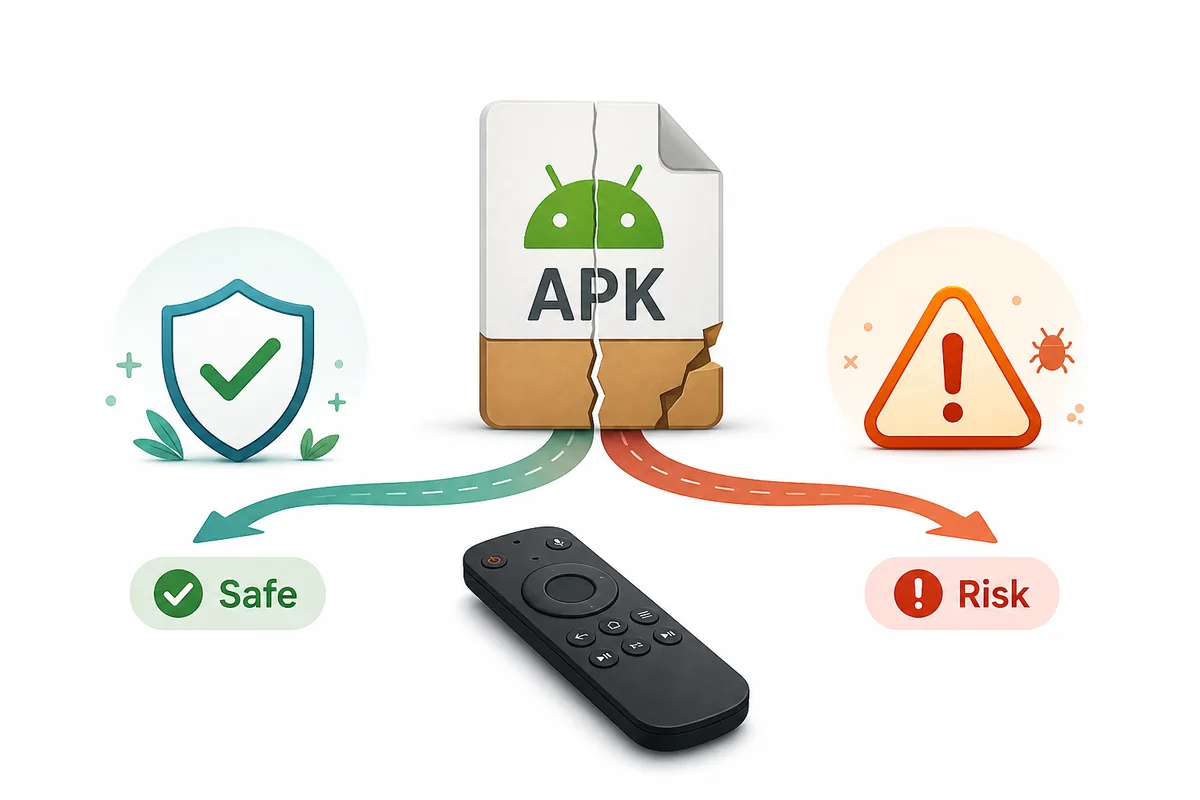
The search phrase often sounds like a feature request, but it is really a trust decision. Use this comparison before downloading any file that claims to be unlocked, cracked, VIP, full version or ad-free.
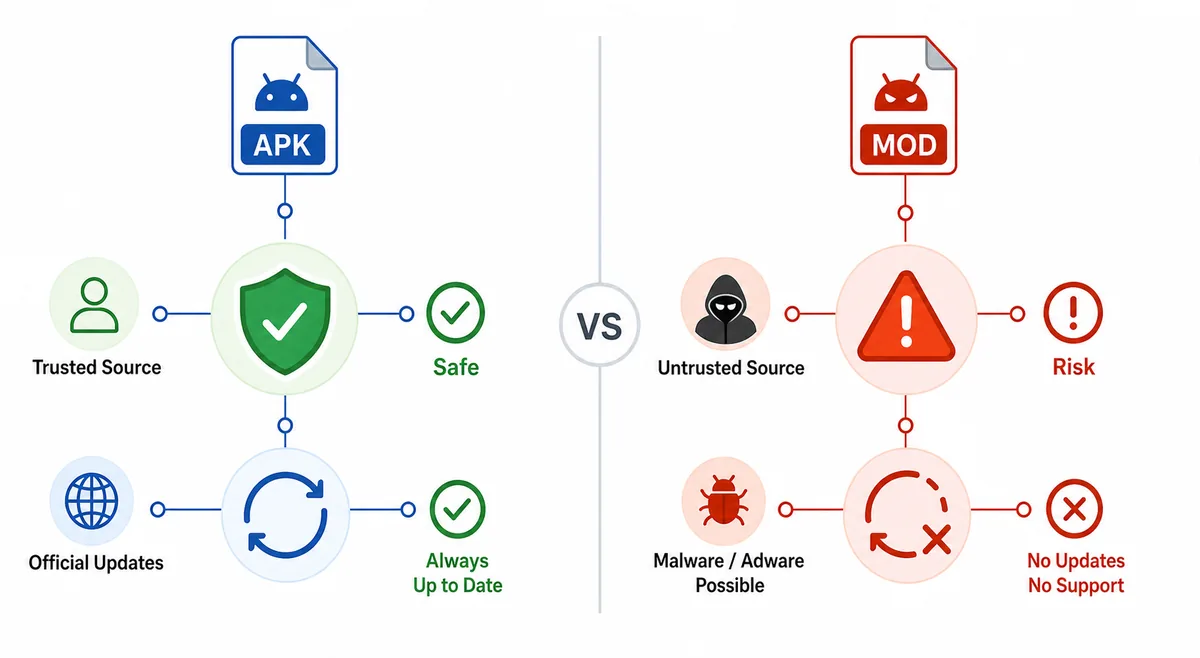
| Choice | What it tries to do | Main risk | When to use it |
|---|---|---|---|
| Standard Eleph TV APK | Install the current app on Android, Android TV, Firestick or emulator. | You still need to verify account, trial or plan status inside the app. | Use this as the default route. |
| Eleph TV Mod APK | Claim unlocked premium, removed limits, cracked VIP or full version access. | Unknown code changes, broken updates, account exposure, malware or fake premium status. | Avoid it. |
| Premium unlocked APK | Promise paid access without a valid package or account state. | The file name does not prove server-side premium access. | Treat as a red flag. |
| Public login or shared account | Skip registration by using someone else's credentials. | Credentials may be stolen, blocked, recycled or used to collect your data. | Do not use it. |
If you still need to install an APK manually, check the file and install path before opening it. These steps reduce risk without relying on a modded build.
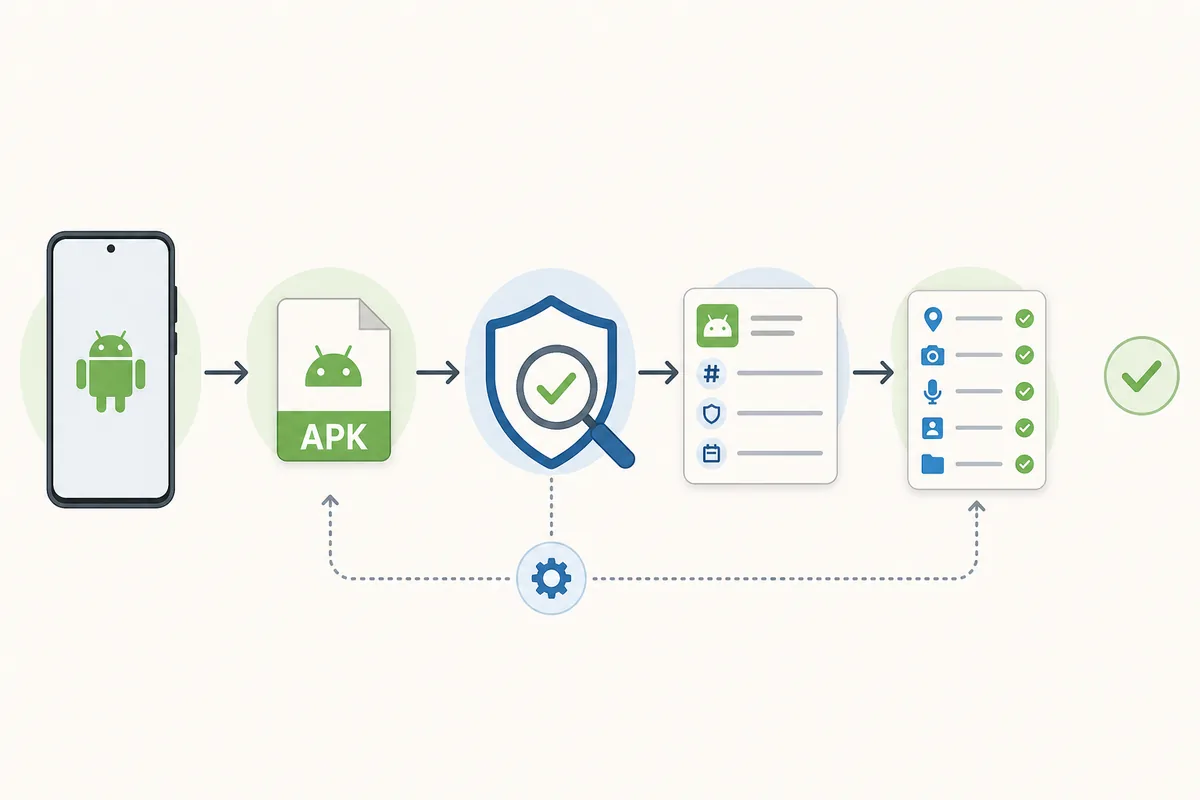
Choose the main Android download, Android TV guide, Downloader code guide or PC emulator guide. Do not begin with a file that advertises cracked VIP or premium unlocked access.
A streaming app may need storage or network access, but be cautious if a random APK asks for contacts, SMS, accessibility control or device admin access without a clear reason.
Do not disable Android security warnings just because an APK page tells you to. Unknown-app permission should be granted only to the installer app you trust, then reviewed later.
If the app installs but asks for trial, subscription, package or redeem details, that is an account access issue, not proof that you need a mod APK.
When a new version is needed, replace the standard APK from the same download route. Modded files can fail silently because signatures or server checks do not match.
Most risky pages use the same shortcuts: big premium claims, vague source details, and instructions that weaken device security. Watch for these patterns.
Premium access is normally tied to an account, package, trial or redeem step. A modified filename alone cannot prove real VIP status.
Be suspicious when a page asks you to turn off Play Protect, ignore all browser warnings, or install extra profiles before downloading.
Public credentials are often blocked or collected from other users. They can expose your device and do not create a stable subscription.
If the page cannot explain version, update date, file source or what changed, you cannot judge whether the APK is current or tampered with.
A simple APK download should not require unrelated download managers, notification permissions, browser extensions or secondary installers.
Pages that push urgent countdowns or guaranteed premium access often want the install more than they want to explain the tradeoff.
The safe path is not complicated: install the normal app, confirm the device works, then evaluate account access honestly.
Use mobile APK for phones and tablets, TV APK or Downloader code for Android TV and Firestick, and an emulator guide for Windows or Mac.
Look for Profile, VIP, Package, Recharge, Subscription or Redeem inside the app. That screen tells you more than a third-party mod filename.
If you buy or redeem access, keep the account ID, order details and activation message until the app shows the correct package time.
If you installed a cracked APK, uninstall it, clear leftover files where possible, change reused passwords, and reinstall a standard APK from a cleaner route.
If your goal is simply to install Eleph TV, use the standard download path first. Only evaluate VIP, trial or package access after the app runs on your device.
Avoid files labeled mod, crack, premium unlocked, full VIP or shared account.
Open standard Eleph TV APK downloadIt is safer to avoid Eleph TV Mod APK files. A modified APK can change permissions, update behavior or account handling, and the premium claim may not work because access can be controlled by the account or server.
A premium unlocked filename does not prove real VIP access. The app may still require account login, package status, trial validation, subscription or redeem code checks after installation.
Use the standard Eleph TV APK route for your device, then check premium, VIP, trial or redeem status inside your own account. This keeps installation and subscription questions separate.
Any APK from an unknown modifier can potentially collect data, show injected ads, redirect logins or ask for unnecessary permissions. That is why public cracked builds are not a good default.
Those pages usually target users who want premium access without a plan. Some may simply copy keywords, while others may distribute modified or unrelated files. Treat the claim as marketing until the source and file are verifiable.
No. Do not turn off Play Protect just to install an APK. If Android blocks a file or warns about the source, review the download path instead of disabling every protection.