Official Downloader number
Official download page checked on 2026-07-09: 6273077 for Android TV, TV Box, and TV Stick.
Legacy Windows guide
Eleph TV is an Android APK, not a native Windows program. On Windows 7, the realistic path is an Android emulator, but the result depends on your hardware, emulator support, graphics driver, and network stability.
You can try Eleph TV on Windows 7 through an Android emulator, but you should treat it as a compatibility workaround rather than the best way to watch. The APK cannot be converted into a safe Windows EXE, and a random Eleph TV PC installer is not part of the recommended path. Start by checking whether Windows 7 is 64-bit, whether the PC has at least 4 GB RAM, whether the graphics driver is still stable, and whether virtualization is available in BIOS. If those checks fail, a phone, Android TV box, Fire TV Stick, or newer PC is a cleaner route.
No native Windows EXE is required. Avoid mod, cracked, premium unlocked, and code-generator files.
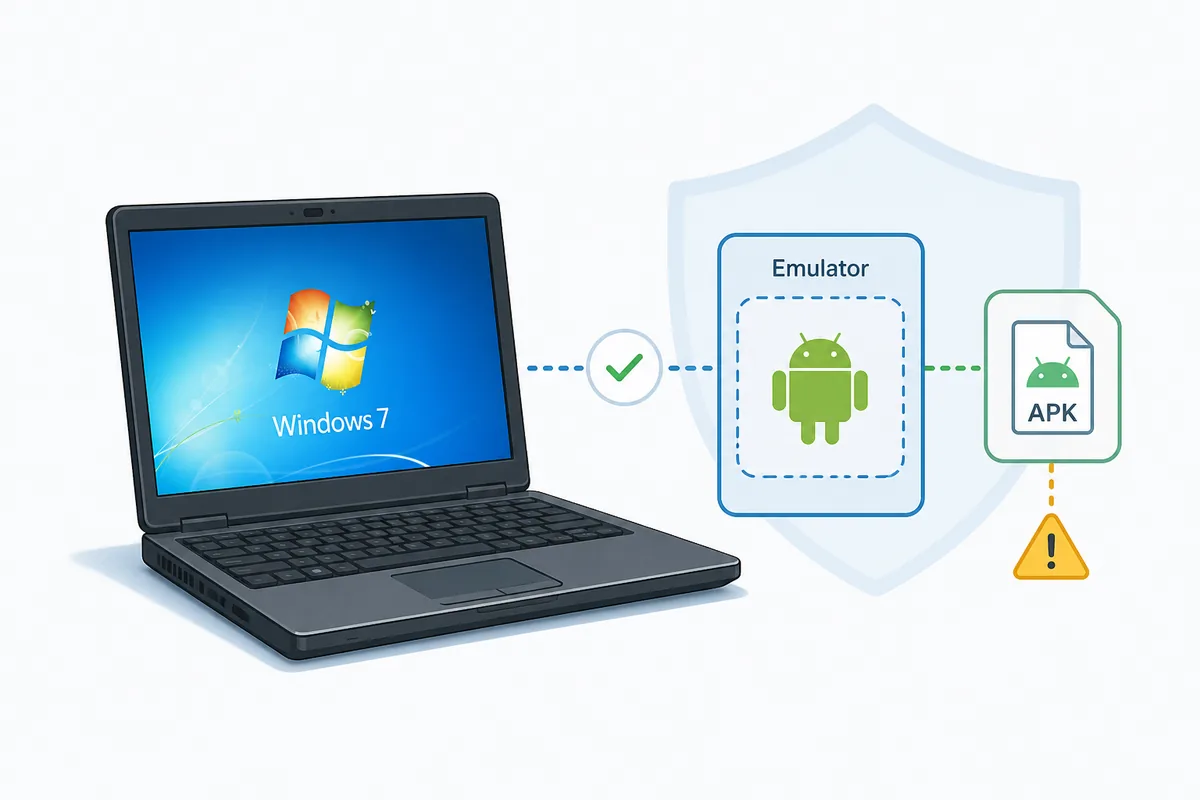
Before publishing this Windows 7 guide, the download-site freshness gate was checked on 2026-07-09. The official ElephTV download page lists Downloader number 6273077 for Android TV, TV Box, and TV Stick installation. It does not publish a verifiable APK version number or file size, and the direct APK URL returned HTTP 520 during a lightweight header check, so this page does not invent a latest-version claim.
Official download page checked on 2026-07-09: 6273077 for Android TV, TV Box, and TV Stick.
No verifiable APK version number or file size was published by the checked official page.
The existing direct APK URL returned HTTP 520 during a lightweight HEAD/Range check, so this guide avoids unverified file-size claims.
Use this table before downloading anything. If two or more checks fail, change device or upgrade the PC environment.
| Check | Recommended | Reason |
|---|---|---|
| Windows edition | 64-bit Windows 7 SP1 is safer than 32-bit builds | Modern emulators and video codecs need memory and driver support. |
| RAM | 4 GB minimum, 8 GB better | Emulator plus streaming can freeze on low-memory machines. |
| CPU and virtualization | Intel VT-x or AMD-V if available | Virtualization improves launch speed and playback stability. |
| Graphics driver | Updated vendor driver, not only generic VGA | Black screens and distorted playback often come from graphics mode issues. |
| Security status | No unknown EXE installers or cracked APK bundles | Legacy Windows is more exposed to bundled adware and fake PC builds. |
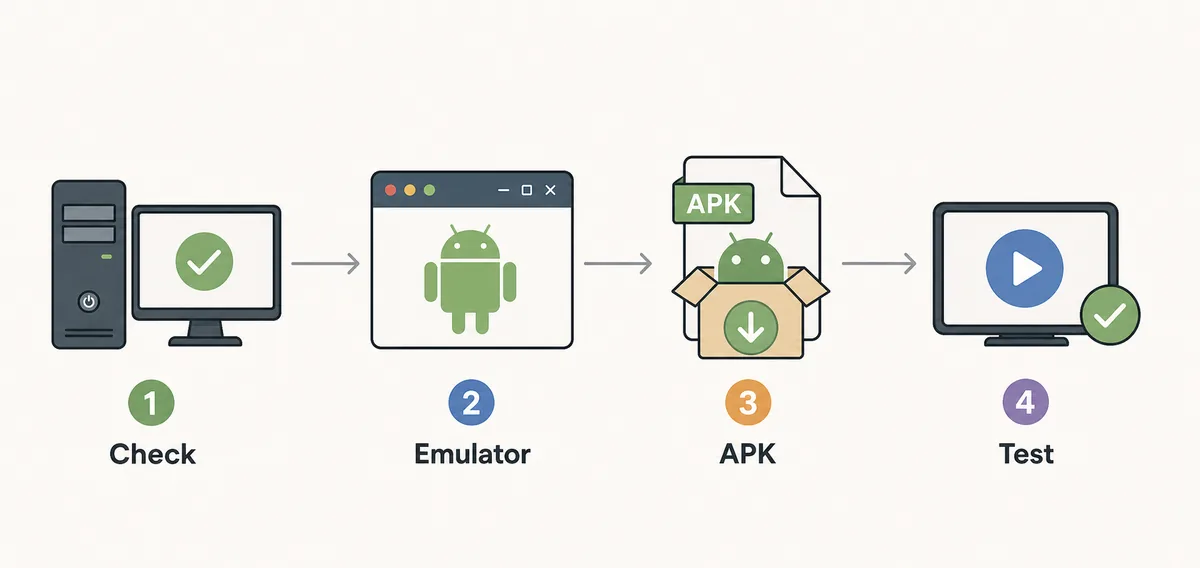
These steps keep the APK route separate from unsafe PC installer claims. Run Android inside a trusted emulator and then install the standard APK inside that Android environment.
Confirm 64-bit Windows 7 SP1, available RAM, storage, graphics driver, and virtualization before installing anything.
Use the emulator vendor's official website and avoid bundled mirrors. If the current build no longer supports Windows 7, do not force it with third-party installers.
Open the emulator's APK install tool or drag-and-drop feature, then select the standard Eleph TV APK. Do not rename the APK as an EXE.
Use landscape mode, update graphics settings, and test DirectX/OpenGL options when the screen is black or controls feel slow.
Open one stream first, check network stability, and separate playback issues from login, premium, or activation-code questions.
Old PCs often fail because the emulator is underpowered or the graphics mode is wrong. Tune the emulator before blaming the APK.
Give the emulator enough RAM and CPU cores, then close heavy browser tabs before streaming.
Switch renderer modes if video is black, flickering, or distorted on an older driver.
A tablet-style landscape profile makes menus, subtitles, and mouse navigation easier.
Ethernet or strong 5 GHz Wi-Fi is more important on low-power PCs because buffering can look like an app failure.
Legacy Windows systems are easier targets for bundled installers and fake cracks. Keep the setup boring and verifiable.
An EXE installer is not needed for the APK emulator path and should be treated as a separate risk.
Cracked or premium unlocked packages do not solve Windows 7 compatibility and can break account recovery.
Downloader numbers and account redeem codes are different. Do not run code-generator tools.
If the emulator no longer supports Windows 7, choose a different device rather than downloading old mirrored installers.
Install the APK only after the emulator launches correctly. For TV devices, use the official Downloader number 6273077 instead of the older code previously shown on this site.
No native Windows EXE is required. Avoid mod, cracked, premium unlocked, and code-generator files.
Download Eleph TV APKIt can be tried through an Android emulator if the Windows 7 PC has enough RAM, graphics support, and virtualization. It is not a native Windows app.
No recommended EXE is needed for this guide. Use an Android emulator and install the standard APK inside it.
Do not force unsupported builds from random mirrors. Use a newer PC, Android phone, Android TV box, or Fire TV Stick.
No. Cracked, modded, and premium unlocked APK files add security risk and do not improve Windows 7 compatibility.
The official ElephTV download page checked on 2026-07-09 lists Downloader number 6273077 for Android TV, TV Box, and TV Stick installation.