Play Store and APK identity guide

Is Eleph TV on Play Store? Check the Right App Before Downloading

A Play Store search can show apps with similar Eleph TV names, but the name alone does not prove that a listing is the same package as the APK linked from this site. Compare the package name, version, file size and source before you install.

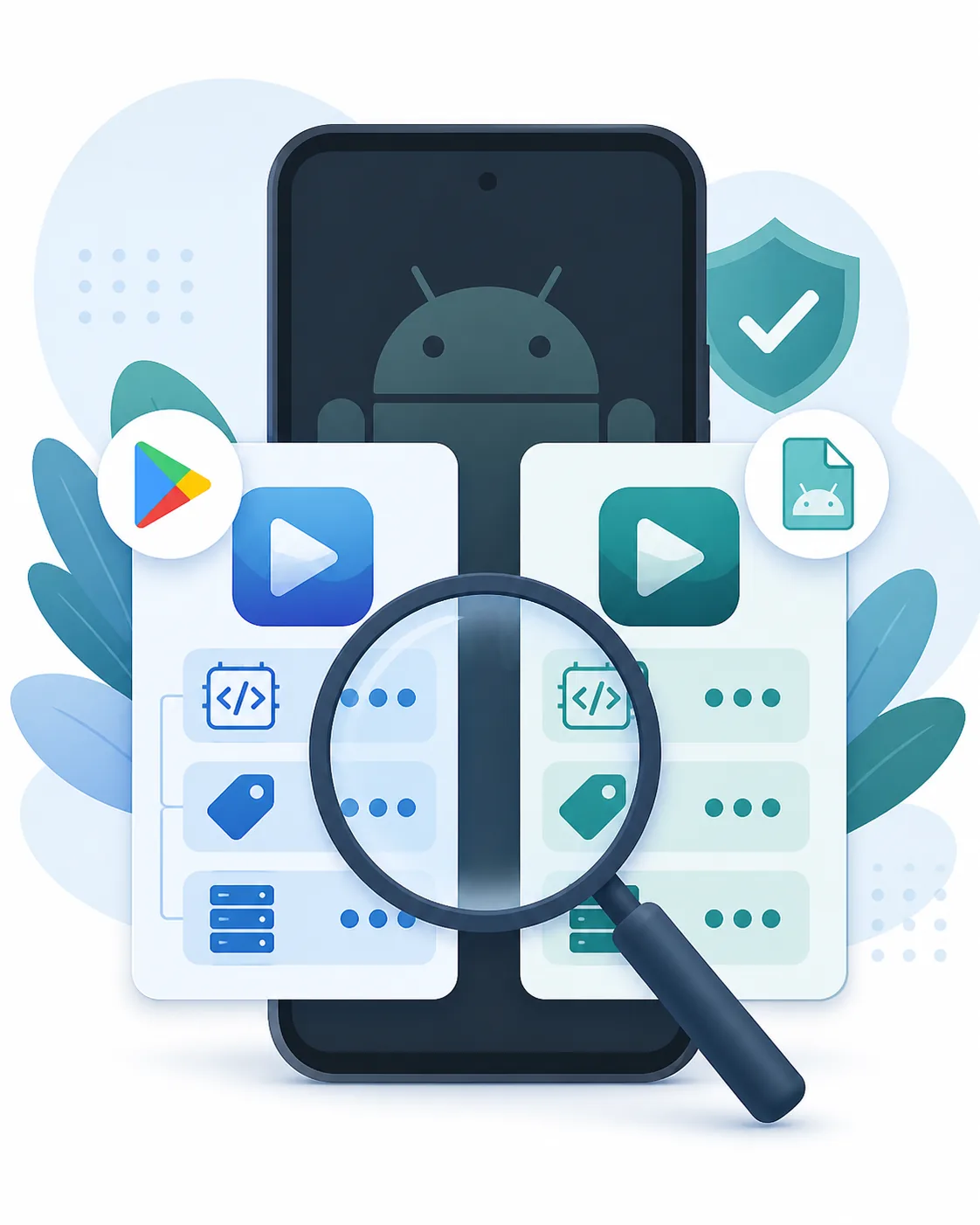
Editorial illustration of checking an Android app identity between a store listing and an APK package
A store name, package identity, version and source should agree before you treat two Eleph TV files as the same app.

The short answer: verify the exact app identity

People who search for “is Eleph TV on Play Store” usually want a safer and easier download path. The important detail is that a store search can surface more than one similarly named app. That means a result that looks familiar is not enough evidence that it matches the project-linked Eleph TV APK.

The APK currently linked from this site was checked on August 6, 2026. Its Android manifest reports package com.africa.elephtvplus, versionName 1.1.3, versionCode 10103 and a 44,585,157-byte file. The file was returned from the project link with HTTP 200. These values identify the file; they do not certify that every catalog item is licensed in every country or guarantee that an APK is malware-free.

Use this page when the question is about Play Store availability or confusingly similar listings. If you simply need the standard APK, use the verified download route after reviewing the identity and permission checks. Device-specific installation still belongs on the mobile, TV and PC guides linked below.

Search question
Play Store availability
Target package
com.africa.elephtvplus
Verified version
1.1.3 / code 10103
Checked
August 6, 2026

Package and version checks are identity evidence, not a blanket safety, licensing or availability guarantee. Keep Android security protections enabled and review permissions before installation.

Why Play Store names can be confusing

The brand name, store listing, Android package and download file are related but separate identifiers. Check each one when search results show more than one Eleph TV result.

A familiar name is not a unique ID

App names can be copied, shortened or reused by unrelated listings. “Eleph TV”, “Eleph TV Plus” and similar labels should be treated as search clues until the developer, package identity, screenshots and source agree.
The APK package is the stronger comparison

The project-linked file reports com.africa.elephtvplus, version 1.1.3 and code 10103. If a store result or another download claims to be the same app but gives a different package, do not silently merge the two identities.

Store availability depends on the device and region

A listing can be searchable on one account or device and unavailable on another. Android TV, Google TV, mobile Android, Fire TV and non-Android Smart TV systems also use different installation paths.

Store result versus direct APK: what to compare

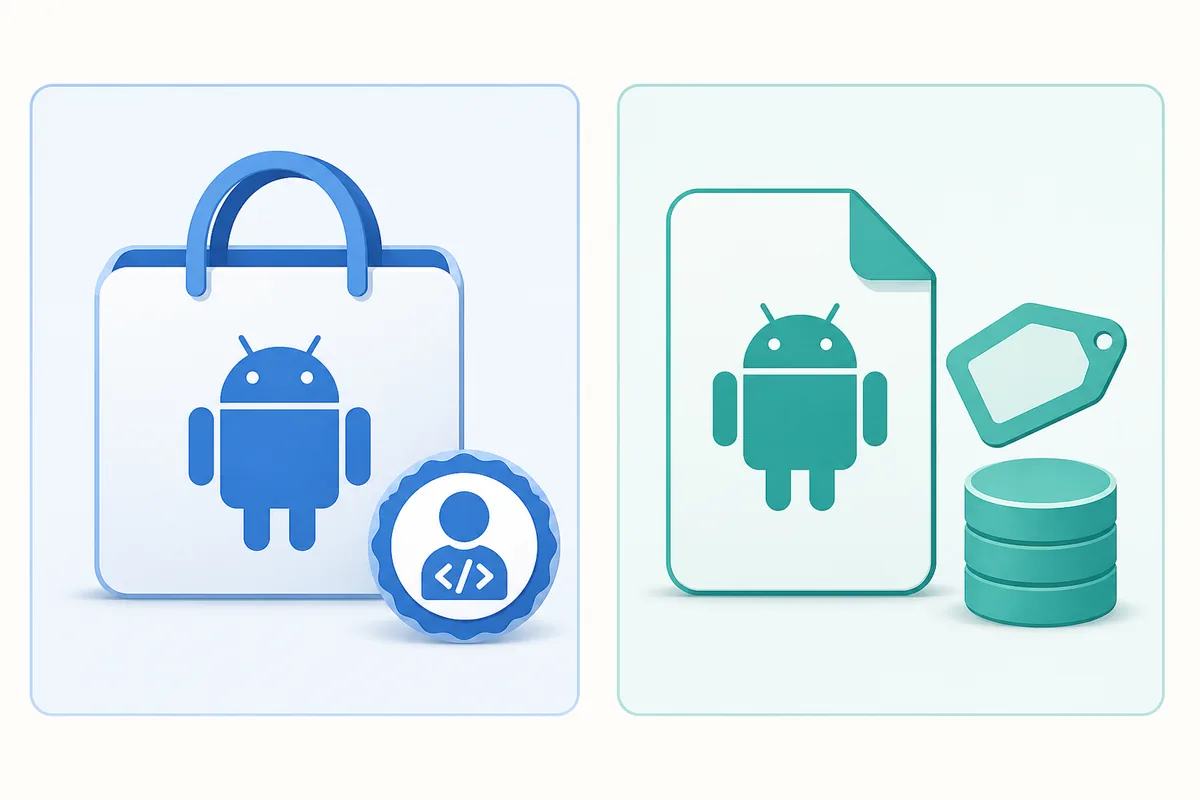
These explanatory illustrations are not live Play Store screenshots. They show the identity fields that matter when you compare a store result with the file you are about to install.

Editorial comparison of a Google Play style listing and a direct Android APK package
Compare the listing identity and the APK package instead of trusting a repeated app name.
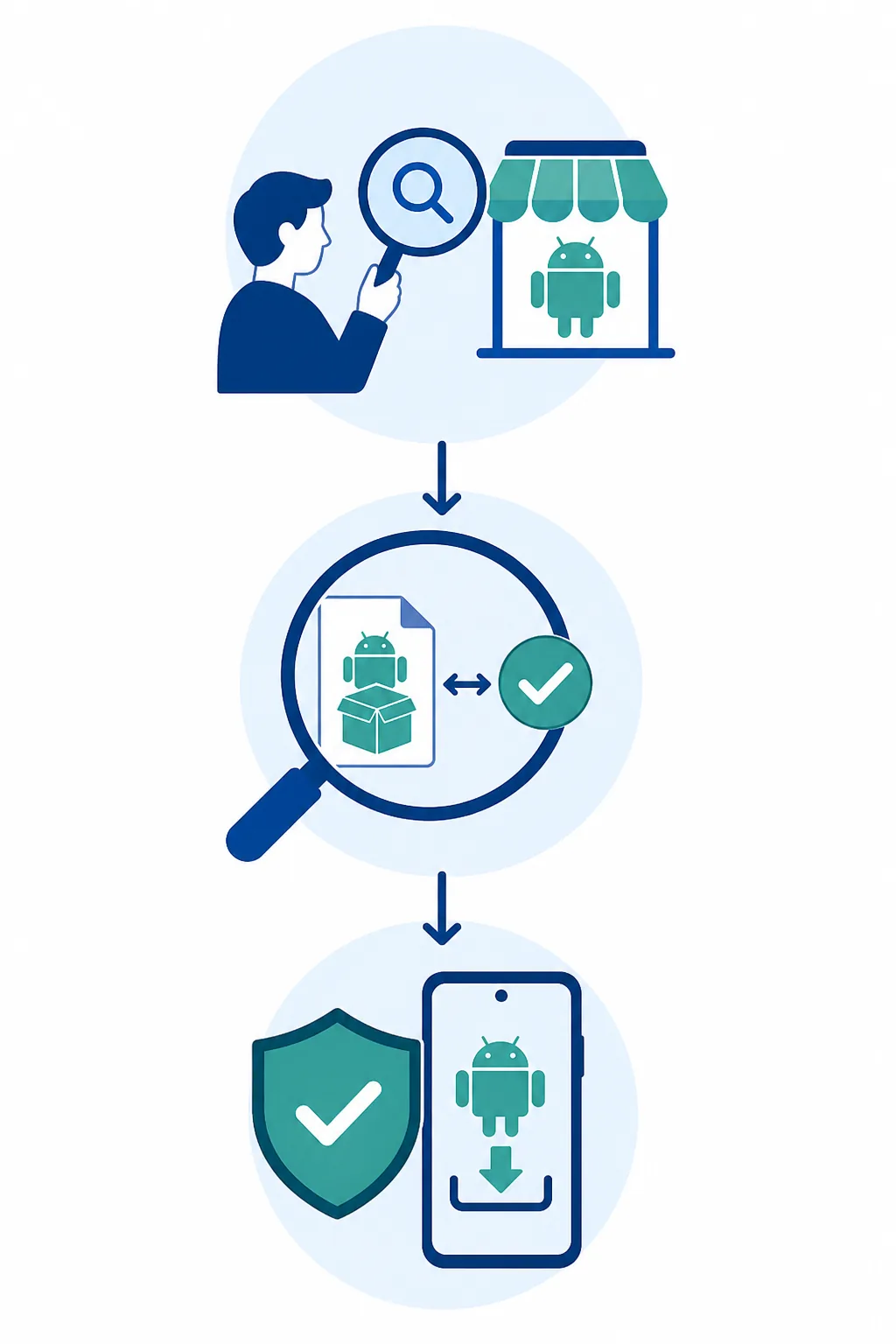
Editorial three-step illustration for searching, comparing and checking an Android APK before installation
Search first, compare package and version details, then choose the installation source that matches your device.

What each identity result means

Use this table when a search result, a Play Store page and an APK download appear to describe the same Eleph TV product. A mismatch is a reason to pause, not a reason to rename the file.

Result or fieldWhat it tells youBest action
Play Store listing with package com.africa.elephtvplusThe package identity matches the project-linked APK claim.Still compare version, developer context, permissions and the listing source before installing.
Play Store listing with the same name but another packageIt may be a different app, an older build or an unrelated listing.Do not call it the current Eleph TV APK without additional first-party proof.
Project-linked APK: version 1.1.3The downloaded file has a concrete version and version code to compare.Keep the file source, size and hash record with the download decision.
Android phone, tablet, Android TV or Google TVThese platforms can use Android APK installation when device settings allow it.Follow the matching mobile or TV guide and enable unknown-app permission only for the chosen installer.
Samsung Tizen, LG webOS or Hisense VIDAAThese systems are not native Android APK environments.Use an external Android TV, Google TV or Fire TV device instead of a renamed Smart TV APK.

How to check Eleph TV before downloading

The following five checks separate a genuine identity match from a page that only repeats the Eleph TV name. Stop when a key field cannot be verified.

1

Search the exact product name

Open the Play Store on the Android device that will run the app and search for Eleph TV. Do not assume that the first result, a logo or a short description is the official package.

2

Compare developer and listing context

Read the developer label, screenshots, description, update history and supported-device context. Similar names, copied graphics or a listing with no useful publisher information deserve extra caution.

3

Match the package and version

Compare the listing or source information with com.africa.elephtvplus, versionName 1.1.3 and versionCode 10103. A different package can be a separate product even when the title looks identical.

4

Check the file details and permissions

For the linked APK, the checked size is 44,585,157 bytes and the SHA-256 is recorded below. Review requested permissions, scan files with tools you trust and avoid modded or cracked packages.

5

Choose the device-specific install path

Use the standard APK only on a compatible Android environment. Phones and Android TV use their own guides; Fire TV may use Downloader; Windows and Mac require an Android emulator; Tizen and webOS need an external Android device.

Boundaries that prevent a wrong download

Play Store availability is only one part of the decision. These boundaries keep the answer useful without making unsupported safety or licensing promises.

Do not treat same-name apps as duplicates

A similar title or icon is not a package match. Keep separate records for the store listing, the official product context and the APK file you actually download.

Avoid mod and cracked shortcuts

Premium unlocked, cracked and ad-free APK claims can change code, permissions or update behavior. They also make package comparison harder, so they are not a safer answer to a Play Store question.

Check the operating system first

An Android APK cannot be installed natively on Samsung Tizen, LG webOS or Hisense VIDAA just because the TV has a browser or USB port. Use an Android-based external device when needed.

Separate identity from safety

A matching package and version tell you what the file claims to be. They do not prove malware-free behavior, legal catalog rights, account access or availability in your region.

Need the standard APK instead?

If your device is compatible and you have completed the identity checks, use the project-linked standard file rather than a random Play Store look-alike or a modded download.

The direct link is a verified file route, not a malware certificate or a guarantee that every channel and subscription works in every country.

Open the verified Eleph TV APK

Checked file: version 1.1.3 • package com.africa.elephtvplus • 44,585,157 bytes • SHA-256 1e3c68b3f0b50aad77ac74936357f6756e70ad5f74d2055e38db50537c130af2

Android APKHTTP 200 checkedNo mod APK

Sources and verification notes

The sources below help separate official product context, public store listings and the project-linked file. Similar-name Play Store results are included for comparison; they are not presented as the current APK unless the package identity matches.

Eleph TV product site

Used for product context and the distinction between the Eleph TV service, Android installation routes and third-party store results.

Visit the product site

Google Play listing example: com.elephtv.elephtvpro

A public Play Store result with an Eleph TV name. Its package identity is different from the project-linked com.africa.elephtvplus APK, so the names should not be merged without proof.

Compare the Play Store listing

Project-linked APK response

The direct file checked on August 6, 2026 returned HTTP 200, version 1.1.3, package com.africa.elephtvplus and a 44,585,157-byte response.

Open the direct file

Eleph TV Play Store FAQ

Is Eleph TV on the Play Store?

A Play Store search can show Eleph TV-named results, but availability and identity should be checked on the device and region you use. The current project-linked APK reports package com.africa.elephtvplus, so a listing with another package name should not automatically be treated as the same app.

Is the Play Store app the same as the Eleph TV APK?

Only when the package, developer context, version and source evidence agree. The same title or logo is not enough because public store results can use similar names and different package IDs.

What package name does the current linked APK use?

The APK checked on August 6, 2026 reports com.africa.elephtvplus, versionName 1.1.3 and versionCode 10103. It is an Android APK identity check, not a blanket malware-free or licensing certificate.

Can I install the APK on any Smart TV?

No. Use the APK on compatible Android phones, tablets, Android TV, Google TV or other Android-based devices. Samsung Tizen, LG webOS and Hisense VIDAA need an external Android streaming device or another compatible route.

Should I download an Eleph TV mod APK if the Play Store listing is unavailable?

No. Modded, cracked and premium-unlocked packages introduce separate code and account risks and do not prove that the app is the correct product. Use the standard file and verify permissions, version and source instead.

Does a matching package prove that the APK is safe?

No. A package and version identify what the file claims to be. They do not guarantee safe code, lawful content rights, account access or regional availability. Keep Android security protections active and scan files with tools you trust.

Topics covered

Eleph TV Play StoreAndroid APKPackage verificationApp identityAPK safety