Recurring plan
A recurring plan has a next billing date or renewal wording. Look for an auto-renewal switch, Manage plan control, or a support instruction tied to the same account.
Subscription and payment guide
Use a calm, evidence-first sequence to stop future renewal, confirm the account state, and separate cancellation from a refund request. The exact screen can vary by the payment route you used.
The safest way to cancel Eleph TV subscription access is to identify the seller and the account before tapping a button. Eleph TV pages describe Recharge, subscription plans, phone scanning, and code redemption, while other offers can be handled by a reseller or a store account. Those routes can have different renewal controls and different support contacts.
Start by writing down the email, phone number, username, or account ID that appears beside the plan. Record the plan name, purchase date, amount, next renewal date if shown, and the last four digits or transaction reference supplied by the payment provider. This small record prevents a support request from being matched to the wrong account.
Cancellation and refund are two separate decisions. A cancellation request asks the seller to stop a future renewal or end an entitlement under its terms. A refund request asks for money already paid to be returned. The published ElephTV refund guidance describes a limited request window and an investigation, so never promise yourself an automatic refund just because the subscription was cancelled.
Do not share a full password, card number, activation code, or one-time passcode in a public comment. Send only the minimum evidence through a verified support route.
The phrase cancel Eleph TV can describe several account states. Match your situation to the route before following a generic instruction.
A recurring plan has a next billing date or renewal wording. Look for an auto-renewal switch, Manage plan control, or a support instruction tied to the same account.
A prepaid package or redeemed code may have no future charge to stop. You can ask whether unused time is transferable or refundable, but do not call an expired code a recurring subscription.
A trial can end on a date shown in the account. Record that date and the rule after expiry. Removing the app alone may not change a trial or a payment agreement.
If a store, wallet, card provider, or reseller processed the transaction, its order record may control cancellation. Use the receipt to identify the correct support owner.
Deleting an account is a wider action than cancelling a plan. Ask what happens to remaining access, support history, and personal data before requesting closure.
These existing Eleph TV visuals show the surrounding account and plan context. They are references for identifying the right route, not proof that every account has the same labels.
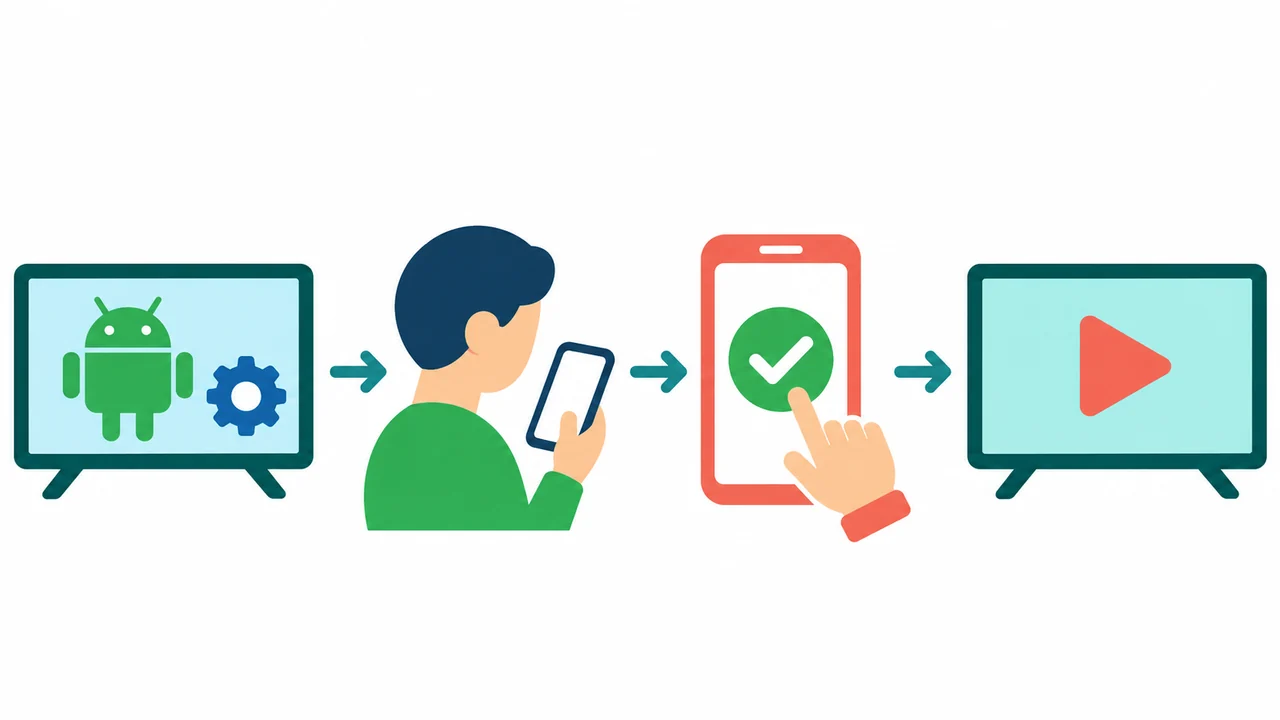
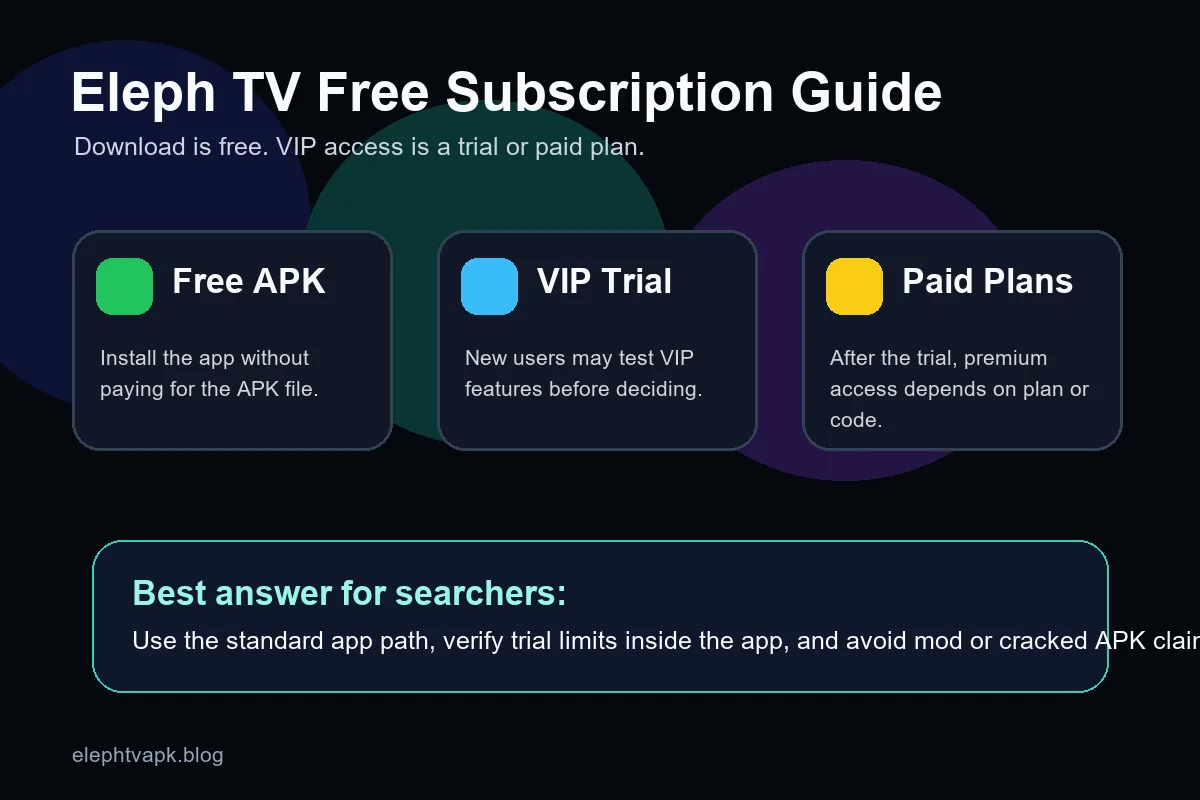
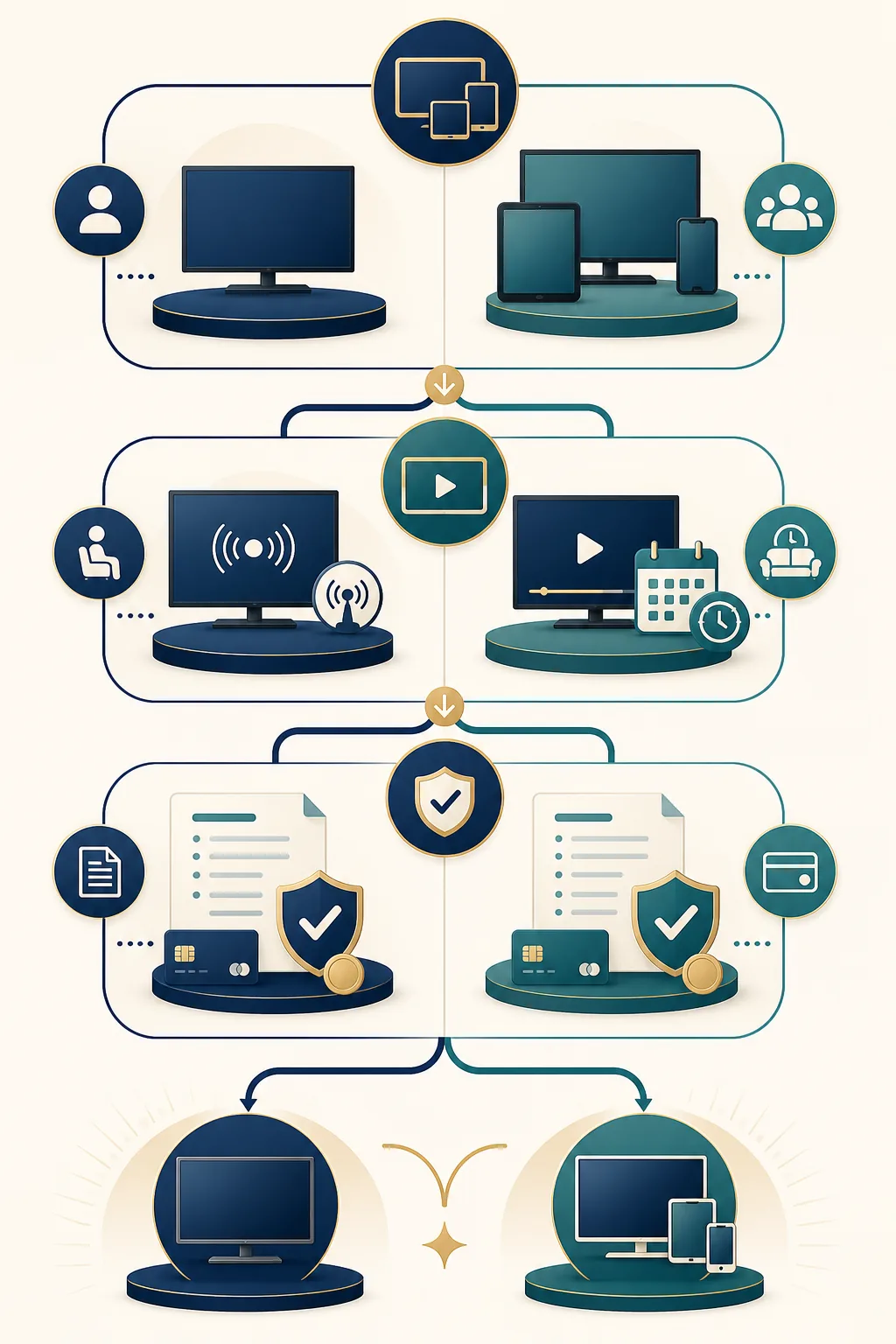
Use the route that created the charge. A link or menu from a different route can look plausible while leaving the real renewal active.
| What you see | Likely owner | Next safe action |
|---|---|---|
| A plan page shows a renewal date | Eleph TV account or plan seller | Open the same account, capture the status, and use its cancellation or support control. |
| A reseller sent a code or invoice | Reseller or code issuer | Keep the invoice and ask the issuer whether unused time can be cancelled or refunded. |
| A store or wallet receipt is present | Payment platform or store account | Search that order history for subscription management and use the platform's official support path. |
| The app is gone but a charge remains | Original seller or payment provider | Reinstall only from a verified source if needed to identify the account; do not assume deletion cancelled billing. |
| A trial end date is visible | Trial terms shown in the account | Record the end date and follow the displayed renewal instruction before the deadline. |
| No plan or receipt can be found | Unknown or mismatched account | Stop guessing, check other email or phone accounts, and contact support with the transaction reference. |
| You were charged twice | Seller and payment provider | Preserve both references, request a cancellation review, and describe the duplicate charge separately from access. |
Follow this order so you can prove what changed. Take a screenshot or save a receipt after each important screen, while hiding sensitive numbers.
Open the Eleph TV account or the payment receipt and note the email, phone number, username, or account ID beside the entitlement. If you have several accounts, check each one before sending a request.
Look for words such as renewal, recurring, next payment, expiry, package, VIP, Recharge, or redeem. A prepaid code may simply expire, while a recurring plan needs a separate stop-renewal action.
Save the plan name, price, currency, purchase time, renewal date, order ID, and the exact status message. Crop screenshots so they do not expose full card numbers, passwords, or one-time codes.
Open the same Profile, Package, Subscription, store order, wallet, or verified reseller channel that created the payment. Choose Cancel, Turn off renewal, End trial, or the closest clearly stated control.
Check whether the action stops a future charge, ends access immediately, or leaves access until an expiry date. Save the confirmation number and the displayed effective date before closing the screen.
Sign out and back in only when you know the login details, then check the plan status again. A missing app icon, cleared cache, or logout is not proof that billing changed.
If you want money returned, state that clearly and include the order reference, date, amount, reason, and cancellation confirmation. The published refund policy describes a limited time window and an investigation, so wait for the seller's decision rather than promising an outcome.
If the status does not change, use the verified support contact shown by the seller or payment platform. Never send a full password, card number, activation code, or one-time passcode to an unverified account.
A rushed cancellation can create a second charge, remove useful evidence, or send private data to the wrong person. Keep these boundaries in place.
The invoice or transaction reference is often the fastest way to identify the correct owner of a plan.
Match the support address or account to the official page or the original receipt before sharing any details.
Some cancellations stop the next renewal but leave paid access until the end date; others can end service sooner.
A second payment can make a duplicate-charge review harder. Wait for the first transaction to settle or ask the payment owner.
A modified package cannot safely cancel billing and may expose login data, break updates, or change what the app displays.
If you cannot identify the plan owner, compare the account, payment, and Premium explanations before contacting support. The goal is to send one precise request with the right evidence.
Use the standard account and payment route. A new APK, a shared login, or a copied support address cannot prove that a subscription was cancelled.
Review the Eleph TV payment guideUseful for Recharge, payment confirmation, activation codes, and account status questions
This guide separates observed product and policy wording from practical account hygiene. It does not promise that every Eleph TV seller uses the same checkout, renewal, or refund terms.
The product page describes Recharge, subscription plans, phone scanning, and code-based access concepts.
Visit ElephTVThe help page describes manual renewal and VIP-code concepts that can help identify a payment route.
Read subscription helpThe policy describes a request window, evidence, and an investigation; it is not an automatic refund promise.
Read the refund policyUse the site's payment guide for local context about Recharge, activation, and unresolved payment status.
Open the site guideFind the receipt or account used for the purchase and use its original management route. Removing the app does not by itself prove that a recurring plan or payment agreement was cancelled.
No. Cancellation and refund are separate requests. A refund depends on the seller or payment provider policy, the timing, the evidence, and its review of the transaction.
Open the account, store order, wallet, or verified reseller route that shows the next payment. Use its cancel or turn-off-renewal control, save the confirmation, and check the effective date.
An activation code may add prepaid time rather than create a recurring charge. Keep the code and receipt private, ask the issuer about unused time, and do not assume a code can be reversed.
Do not rely on deletion. Record the trial end date and follow the account or payment route's cancellation instruction, because installation state and billing state are separate.
Include the account identifier, order or transaction reference, purchase date, amount and currency, plan name, cancellation confirmation, and a short explanation. Hide passwords, full card numbers, and one-time codes.
Wait for the stated processing window, sign in to the same account, and compare the status with your saved confirmation. If it remains active, contact the verified plan owner with both references and avoid a second payment.
Treat an unverified social account or shared login as unsafe. Confirm contact details against the official product or payment page and send only the minimum information needed to locate the order.